No one can sell you a Fivgram checkmark. Fivgram will never ask for your password or ask you to pay anyone in a message. If an account offers to sell checkmarks or pretends to be Fivgram staff, open the three-dot menu on it and tap Report.
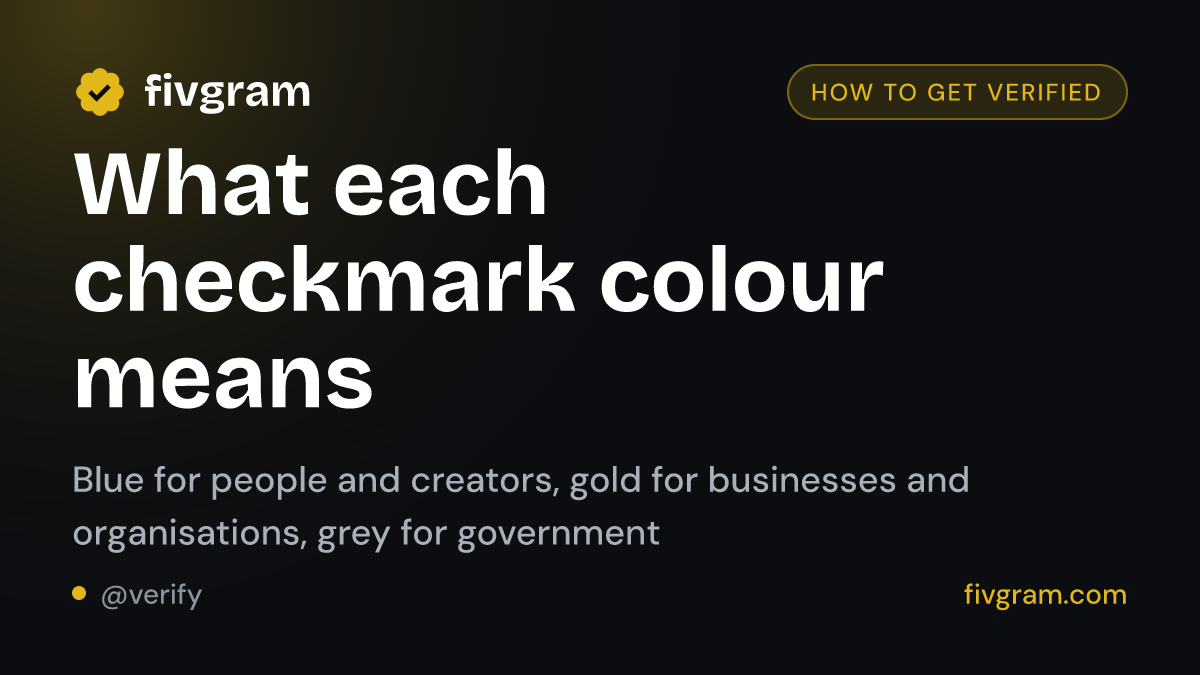
Every checkmark colour on Fivgram tells you what kind of account it is. Blue is for people and creators, and it is free. Gold is for businesses and organisations, and grey is for government bodies, officials and aides. Tap a checkmark to see why it is there.
After you apply for a checkmark, the Fivgram team reviews your request and you will get a notification with the result. If it is not approved, update your profile and apply again from the side menu by tapping Get verified.
Fivgram now has 334 verified accounts. The Fivgram team approved 68 verification requests in the last 7 days. To apply, open the side menu and tap Get verified. You will get a notification with the result.
Your verification request needs a few details. Add a profile photo that clearly shows your face, your name as it appears on your ID, a bio, a category and a reason of 20 to 500 characters. Then add a photo of your ID, which only the Fivgram team sees.
Applying for a checkmark on Fivgram takes a few steps in the app. Open the side menu and choose Get verified, then fill in your details and add a photo of your ID. Tick the confirmation and tap Submit request to send it to the Fivgram team for review.
A smooth verification review starts with a complete profile. Upload a clear photo of your ID and make sure your profile name matches the name on it. Add a bio and a category, and explain your reason clearly. The Fivgram team reviews requests in order.
Checkmarks on Fivgram are never sold by anyone, so treat any offer to sell one as a scam. Fivgram will never ask for your password or ask you to pay anyone in a message. Report accounts that pretend to be Fivgram staff from the three-dot menu.
Three checkmark colours are used on Fivgram, and each one has a clear meaning. People and creators get blue, which is free. Businesses and organisations get gold. Government bodies, officials and aides get grey. Tap any checkmark to see why it is there.
There are now 318 verified accounts on Fivgram. The Fivgram team approved 26 verification requests over the past 7 days. To apply for a checkmark, open the side menu and tap Get verified.
When the Fivgram team has reviewed your verification request, you will get a notification with the result. If it is not approved, you can update your profile and apply again from the side menu by tapping Get verified.
Only the Fivgram team sees the ID you upload when you apply for a checkmark. You can use a NIN slip, passport, driver's licence or voter's card. Also add a profile photo that clearly shows your face, your name as it appears on your ID, a bio, a category and a reason.
You can request a checkmark directly from the Fivgram app. Open the side menu and tap Get verified, then add your details and a photo of your ID. Tick the confirmation and tap Submit request. You will get a notification with the result.
Four simple steps help your verification review go smoothly. Upload a clear photo of your ID and check that your profile name matches it. Fill in your bio and category, and explain your reason clearly. The Fivgram team reviews every request in order.
Watch out for offers to buy a Fivgram checkmark. Checkmarks are never sold by anyone. Fivgram will never ask for your password or ask you to pay anyone in a message. If an account pretends to be Fivgram staff, open the three-dot menu on it and tap Report.
Fivgram now has 300 verified accounts. The Fivgram team approved 12 verification requests in the last 24 hours and 26 in the last 7 days. Every request is reviewed in order, and you will get a notification with the result.
A checkmark's colour shows what kind of account you are looking at. Blue marks people and creators, and it is free. Gold marks businesses and organisations. Grey marks government bodies, officials and aides. Tap any checkmark to see why it is there.
To apply for a checkmark, you need a clear profile photo of your face, your name as it appears on your ID, a bio, a category and a reason of 20 to 500 characters. Add a photo of your NIN slip, passport, driver's licence or voter's card. Only the Fivgram team sees it.
Verification results arrive as a notification on Fivgram. If your request is not approved, you can update your profile and apply again. Open the side menu, tap Get verified, tick the confirmation and tap Submit request.
Fivgram now has 271 verified accounts, and 168 of them were verified in the last 7 days. Each request is reviewed by the Fivgram team, in order. To apply, open the side menu, tap Get verified, tick the confirmation and tap Submit request.