Pinned
Fivgram110 Fivs
Sign in
Fivgram
@fivgram
What’s Happening?

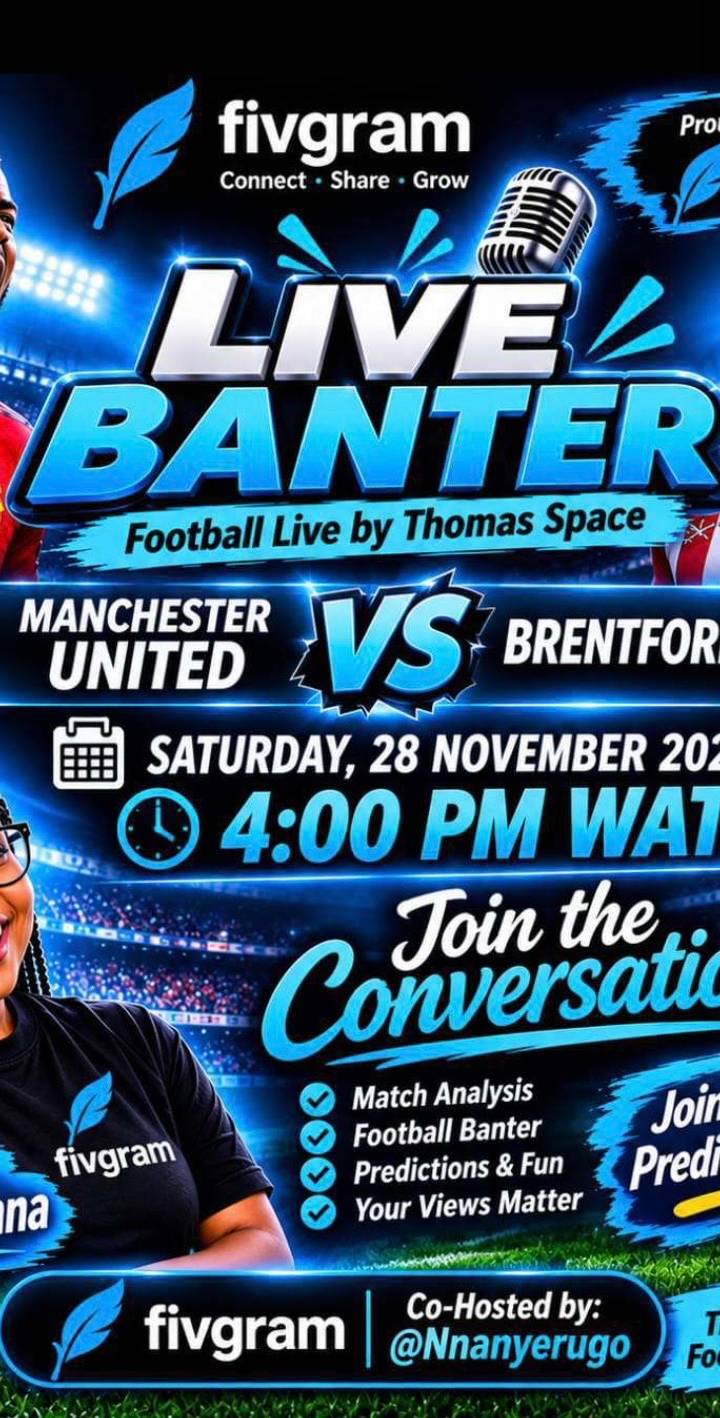
Fivgram rewards the winners of yesterday’s football banter rooms with 5 USD each.
Congratulations to @danny13315, @bigbird, @dollycash and @com4th. Your reward is in your Fivgram balance. Go to fivgram.com to convert it to Naira and withdraw it to your bank account.
Congratulations to @danny13315, @bigbird, @dollycash and @com4th. Your reward is in your Fivgram balance. Go to fivgram.com to convert it to Naira and withdraw it to your bank account.
Thanks Kenneth! Other videos are posting fine, so it seems your phone is closing the app while sending that video. Try saving it to your phone first, trimming it, or posting from fivgram.com. We're working on a fix. DM us your phone model and the video length
 Kenneth Cole@kennycole009 · 26 Nov
Seems there's a Glitch here..
I can't post vidoes, am I alone on this?
The house voted and 10:00 PM (WAT) won by 58%! We have gone ahead to reschedule the room. Set your reminders, and see you all on Friday!!!
 Fivgram@fivgram · 22 Nov
Join us for 📢Friday Townhall!!! Huge updates + Q&A on 27 Nov 2026 at 8:00 PM (WAT):
https://fivgram.com/#/room/e46aeb97-2d01-44df-999a-dd1eba9e7ddd
Set your reminders!!!
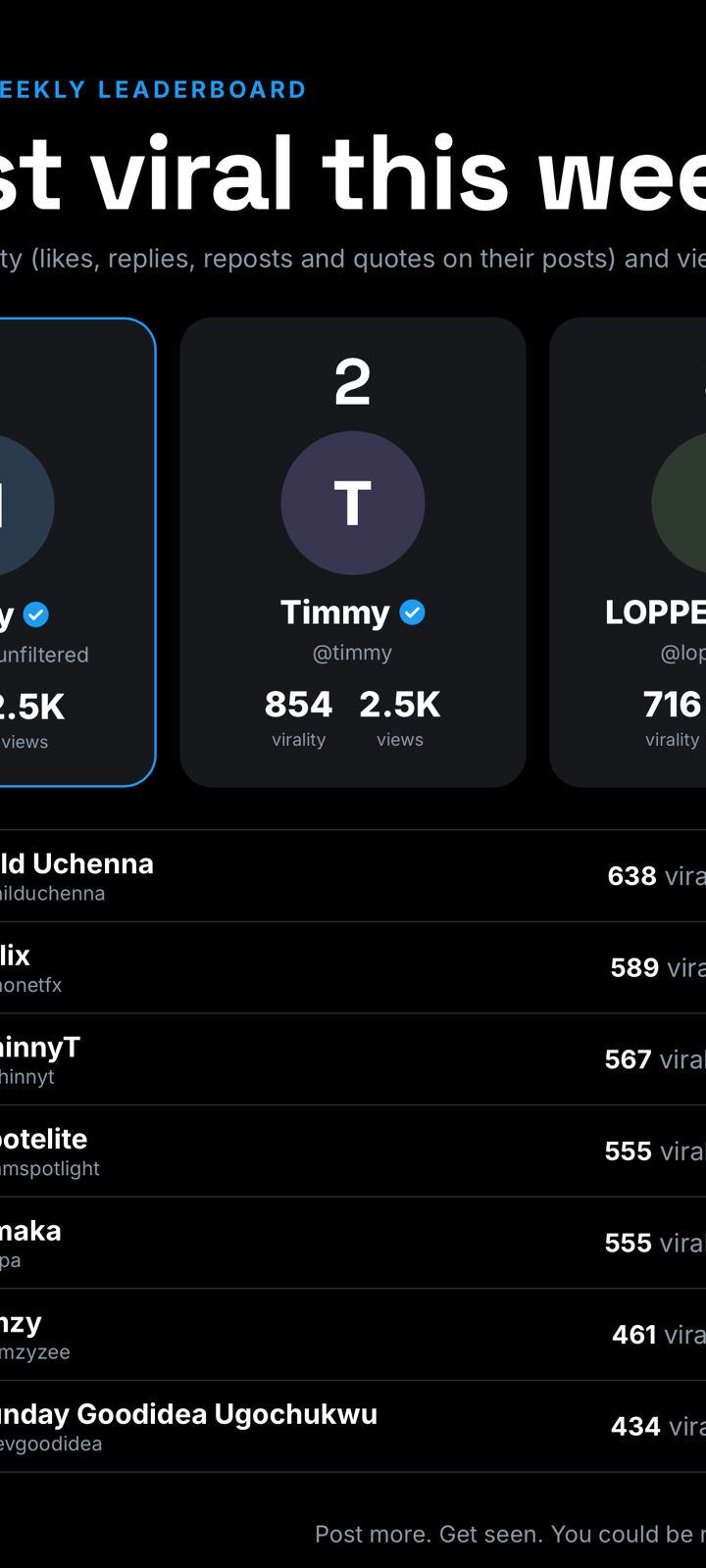
Top 10 most viral account this week on fivgram.
1. Henry - @bigkhash_unfiltered
2. Timmy - @timmy
3. LOPPERKEM - @lopperkem
1. Henry - @bigkhash_unfiltered
2. Timmy - @timmy
3. LOPPERKEM - @lopperkem
 Ismail Waziri
Fivgram is better in the appGet the Fivgram appGet it free for iPhone and Android.App StoreGoogle Play